When I moved to my current abode, I was told I wouldn’t last 6 months without a car; 2 years later, I finally gave in. The acceptance was painful, yet I sought comfort in the thought that our AI overlords would make the search quick and easy. Just type in my needs and, poof, a few ideal listings would come up, from which I’d pick the winner.
So, one evening, I went to my couch, begged my feline overlord to make space, accepted that I’ll only get a tiny patch, squeezed in gratefully, and opened up Claude to do as I intended.
It started off recommending me a few models that fit my requirements. That was incredibly helpful! I was totally clueless about cars.
Then I got greedy. I asked Claude to pull actual listings from Autotrader to review. Analysis was crunched, links were given. I click one: it redirects me to the search page. I click another, same result; as for the 3rd, and 4th try.
So I ask Claude “what the hell’s happening??” - in a polite way, of course, you never know when I’ll become its servant.
Turns out it can’t actually see Autotrader’s live stock. It was reading a stale, cached snapshot of the search page. And it couldn’t open the individual ads because Autotrader blocks bots from those pages entirely.
{
  "error_type": "ROBOTS_DISALLOWED",
  "error_message": "Site disallows automated access. Use the search-result snippet, or find an alternative source."
}There is a way around it though: running Claude’s Chrome extension on Autotrader’s search results page.
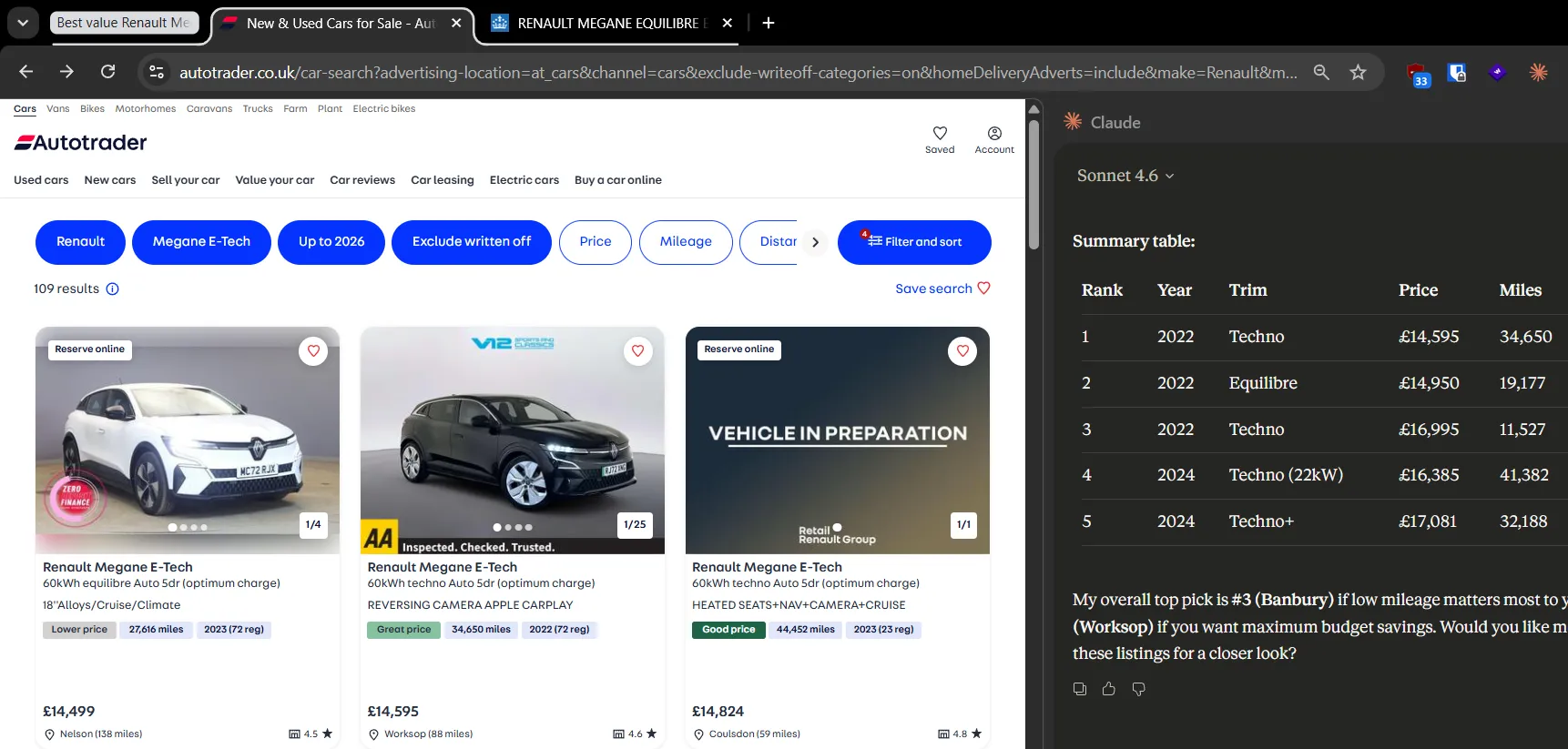
But wait! There’s one more thing we need to check - the MOT results, freely available from our royal majesty’s website. So I gave Claude this prompt…
Assess each car from this Autotrader results page for value for money.
Also fetch its reg number from each listing photo, then go
to https://www.check-mot.service.gov.uk/results?registration={enter registration number you fetched} and get the MOT results
from there. Use that in your assessment.
…and let it do its magic. The results seemed pretty good…until I looked at the bottom of the response and saw the caveat: Claude was unable to fetch most of the MOTs because the gov.uk site’s CAPTCHA kicked in.
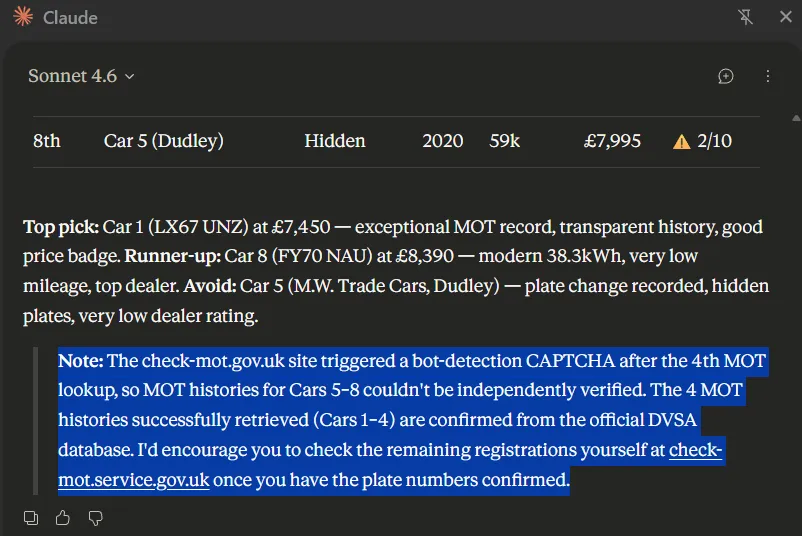
Luckily our great kingdom offers an API for this particular purpose. So I set up a local proxy with my API credentials, and have Claude call it.
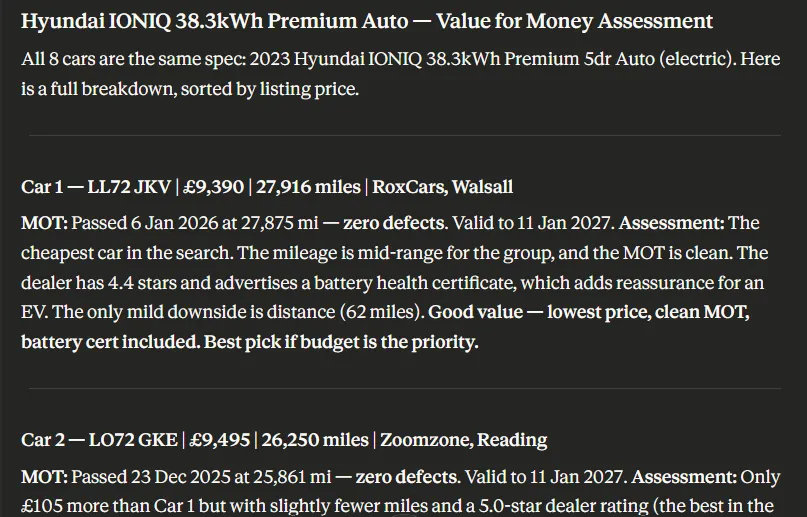
This workflow only covers search results for one model though. I wanted to run it for a dozen. I would’ve adjusted the prompt to do all in one go, but I noticed through my experiments that the extension frequently fails. So I decided to just run it manually for each of the models, it wasn’t much of a hassle anyway.
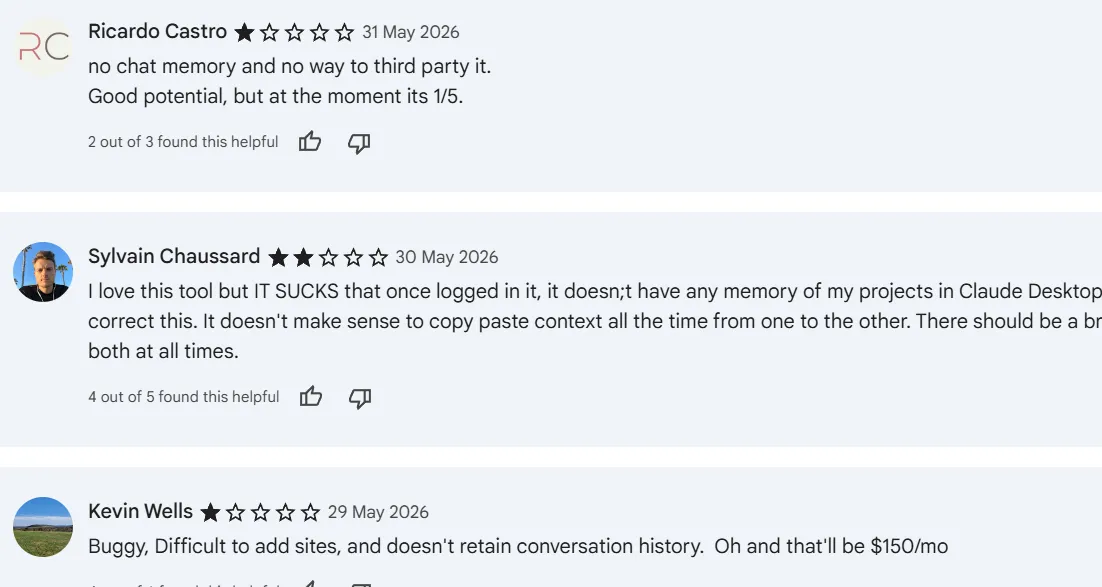
There was one final surprise - the conversation doesn’t actually get sent to the main Claude chat. I would’ve wanted that to pick the top 10 across all listings. For me, it was a minor incovenience: I just had to paste the content into the claude.ai chat. Others weren’t as happy with this, which explains the abysmal 2.6 rating the extension has on the Chrome Web Store.
You’re probably expecting me to say how this helped me find my car. In reality, I gave up shortly after seeing the blocks, went with a great listing my wife found, and came back to making this work once I had the headspace.
When I have to go through this again, I’ll definitely use the final workflow. Although, who knows, by that time I can actually pick the car from the main chat interface!