Two years ago, I launched an add-on for Google Sheets that made it easy to forecast time series data. I called it ForecastSheets (brilliant name right?!). Three thousand people have used it, yet I never earned a penny. So, time to make a story out of it!
Background
It all started when I was helping a potential cofounder with another business idea: providing data analytics services to SME pharmaceutical companies. He handed me a time series dataset of drug prices and asked if I could build some forecasts. I said “sure, it should be straightforward!”; I remember it being so with Excel, and, even though I didn’t have a Microsoft Office subscription anymore, I assumed that would be the case with Google Sheets.
I was wrong: Google Sheets can only do linear regression and exponential curves. So, I had to do a crash course in forecasting and homebrew something in Python. It was a hassle, but I was focusing on other things so I left it at that.
About a year later, I was in search of another idea, and I came across stories of people making good money off of add-ons on the Google Workspace Marketplace. I remembered the problem I suffered through, so I got stuck in.
Development
Step one was deciding which, of the many, prediction models I should use. SARIMA is the most popular, so I began with it; and I quickly discovered how difficult it is to make it accurate without frequent fine-tuning. I then checked what Excel ran under the hood: Holt-Winters. That one performed superbly across various scenarios, and so became my chioce.
Next, I had to establish how to actually build a Google Sheets add-on. Turns out, there are two types:
- Workspace add-ons: latest version that’s recommended by Google
- Editor add-ons: more customizable and commonly encountered
I picked Editor add-ons, so I could use other add-ons as reference points.

Building the add-on was quite easy. The React/TypeScript UI triggers a Google Apps Script, which fetches the data from the spreadsheet. The script passes that to a Django API server that generates the forecasts, which is inserted back into the spreadsheet.
Slightly harder was going through all the configuration and form-filling bureaucracy to get it published. After a couple of rejections for valid reasons, it went live!
Marketing
I kept this simple:
- Picked a dot-com brand name that includes relevant keywords - hence it being called ForecastSheets.
- Built a basic landing page that explains what it is, as if it was a short blog post. It had none of the fancy styling that you see even on indie hacker sites these days.
- Wrote a brief guide on what people would often search for - seasonal forecasting in Google Sheets.
- Optimised the wording on the Google Workspace Marketplace listing.
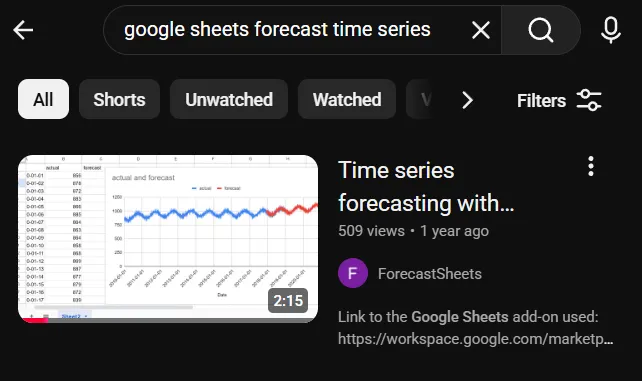
- Recorded a 2-minute YouTube video, again targeting what people would search for.
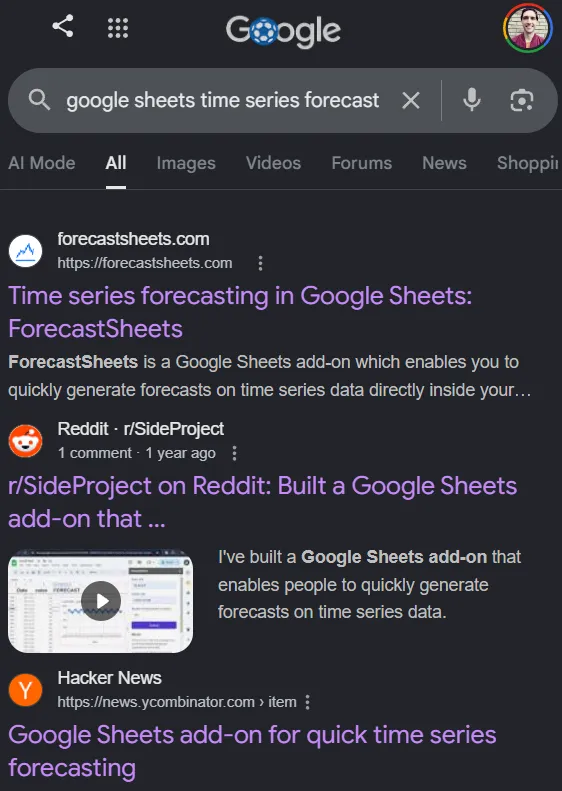
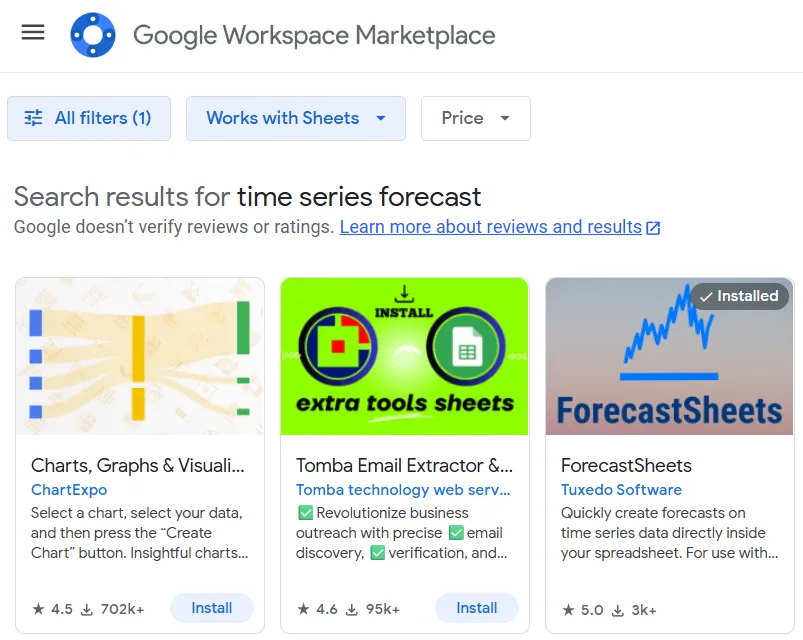
The results speak for themselves: top of Google and YouTube search results, and third-ranked on the Google Marketplace (first two being irrelevant).
Traction
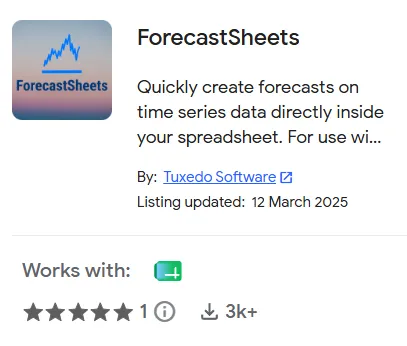
As I spoiled in the opening paragraph, the add-on ended up reaching three thousand downloads. Which sounds like an incredible feat!
The usage logs painted a stark contrast:
- Most people tried it once, then gave up; those that didn’t, only used the tool once every 6 months.
- A couple of users with commercial potential: an ops/strategy/analytics person from Bolt the mobility company, and the customer service quality department in CNT Ecuador, a public telecoms provider.
Few outreaches from the contact form as well. None of them asked for new features which I could release as part of a premium package.
Retrospection
In hindsight, the problem just wasn’t painful enough. People don’t run these kind of forecasts often. And, if they want to do it, they’d only have to pay $10 for Excel.
The fact that I wasn’t in the data analytics field made things worse. I couldn’t pivot to another use case.